Help Center
Everything you need to master FlexyNook, set up your spaces, and integrate your systems.
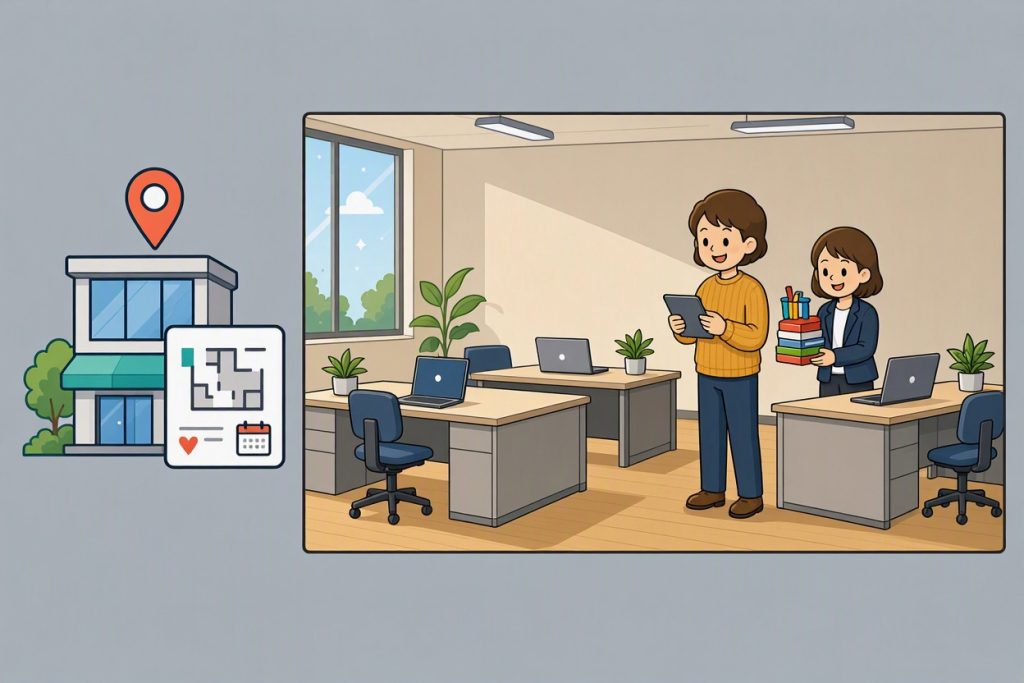
Getting Started with FlexyNook: Setting Up Sites and Workspaces
Get started with FlexyNook: Set up sites, validate time zones, configure meeting rooms and desks, set check-in rules, and link user accounts effortlessly.
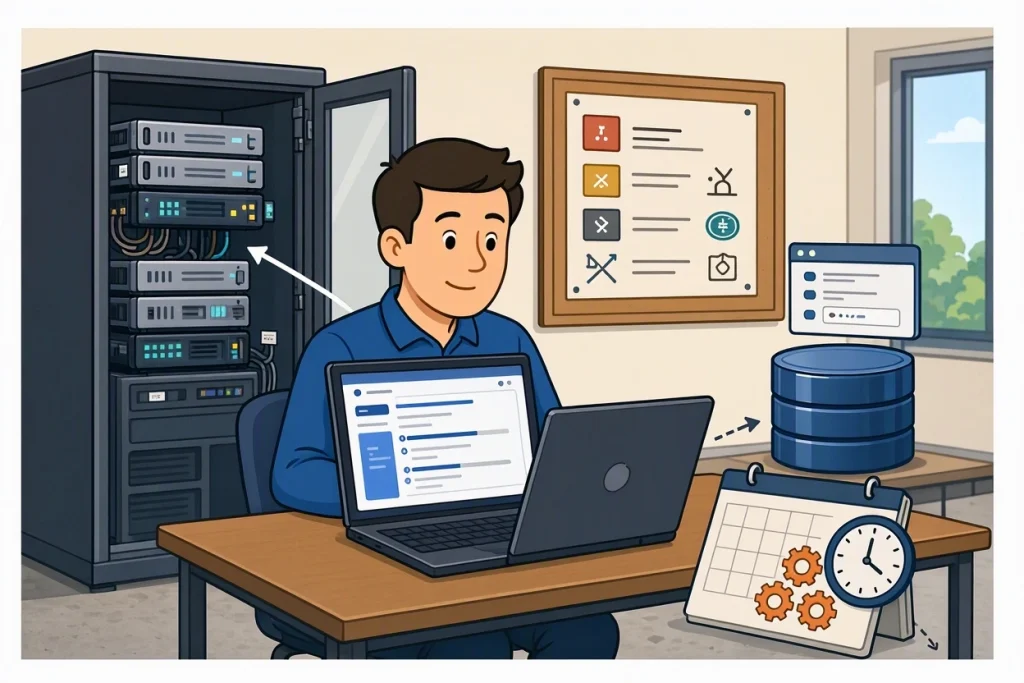
On-Premise Installation Guide for FlexyNook
On-premise installation guide for FlexyNook: System requirements, web installer setup, database configuration, and crontab batch job scheduling.
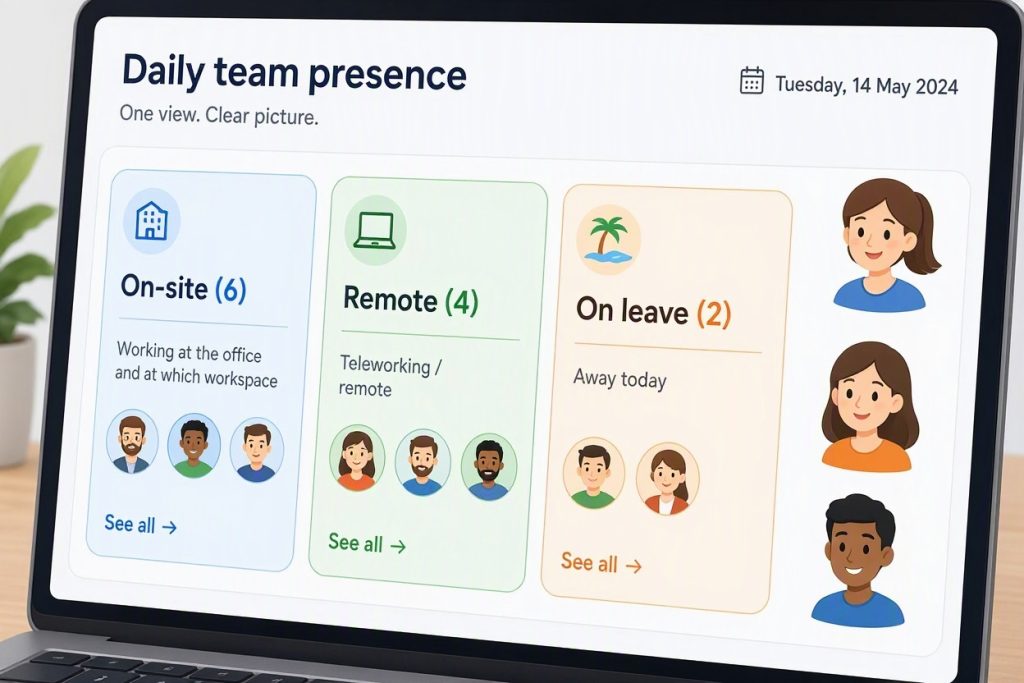
Creating and Managing Teams in FlexyNook
Learn how to create and manage teams in FlexyNook. Track remote work, office presence, and leave at a glance with global, private, and member-only teams.
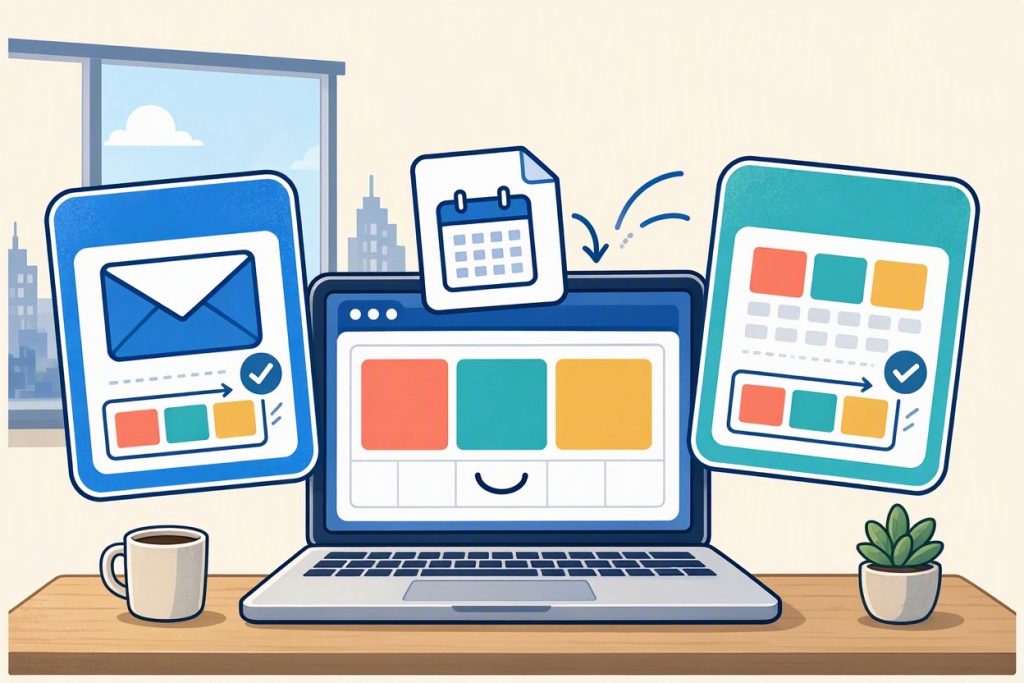
Syncing FlexyNook Bookings with Outlook and Google Calendar
Sync FlexyNook bookings with Outlook and Google Calendar via iCal link. Includes read-only sync, direct event management links, and hourly schedule updates.
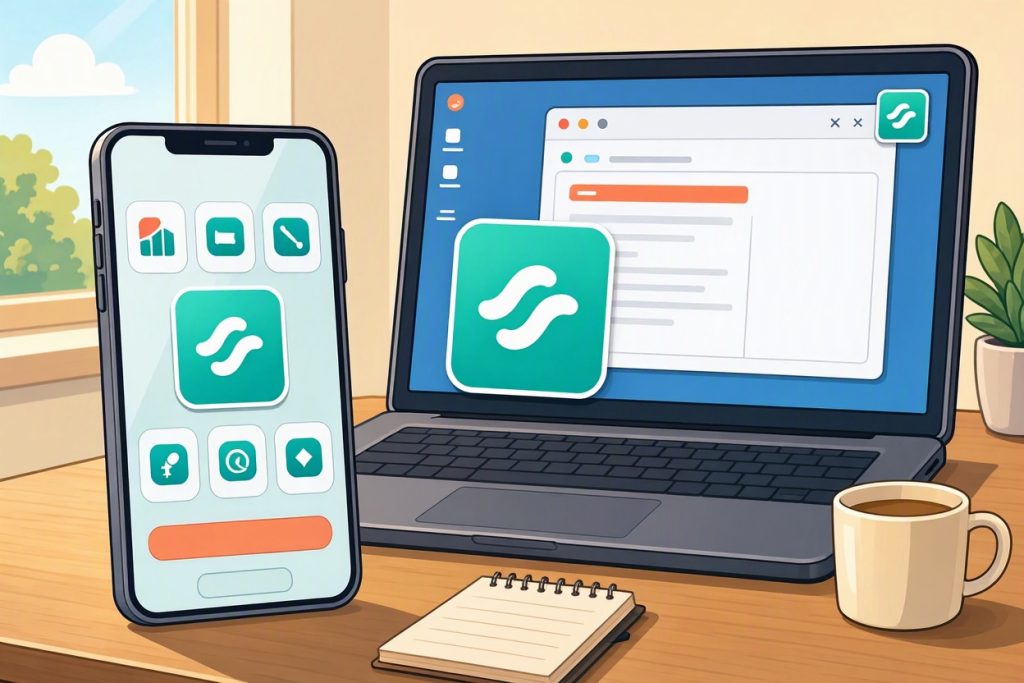
Using FlexyNook as a Progressive Web App (PWA): Like a Mobile or Desktop Application
Install FlexyNook as a PWA like a mobile or desktop app without stores for quick access, real-time booking reminders, and check-in push notifications.
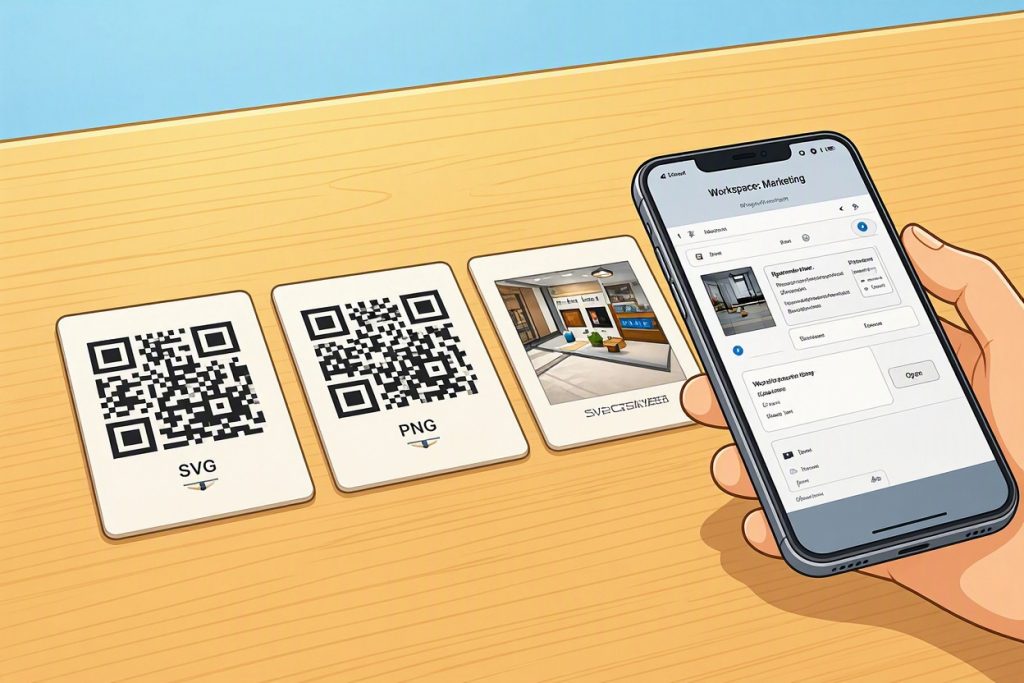
Using QR Codes to Simplify Booking and Check-in
Learn how FlexyNook QR codes simplify last-minute workspace bookings and presence check-ins, and how administrators can download SVG or PNG files.
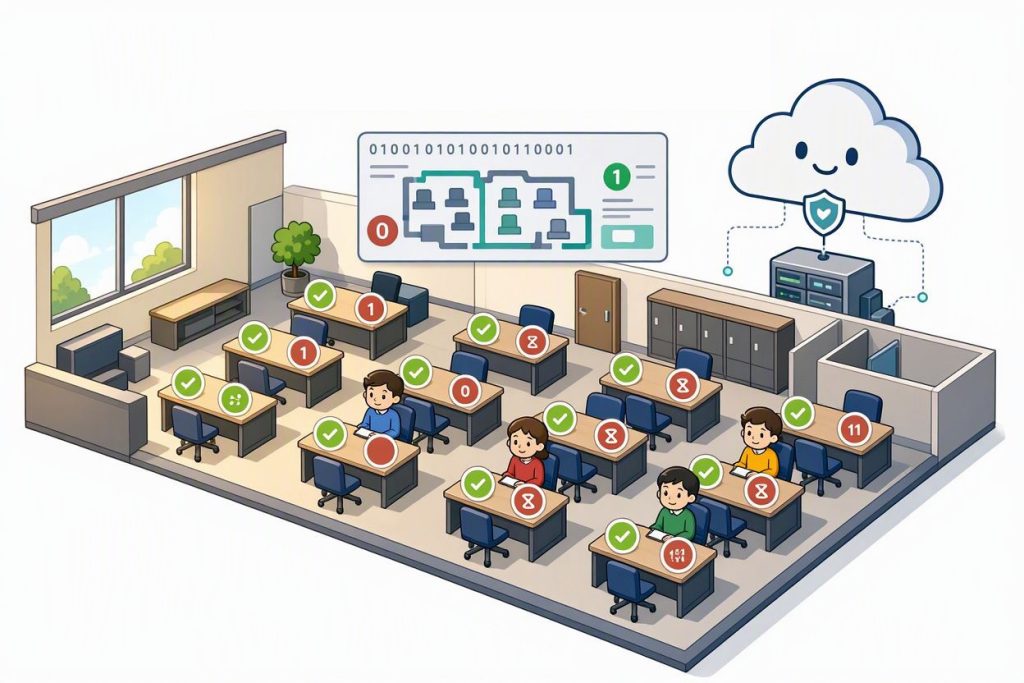
Why Booking Conflicts May Occur and How FlexyNook Handles Them
Discover why booking conflicts may happen and how FlexyNook resolves them, giving workspace owners priority while alerting users via email, home page, and schedule alerts.
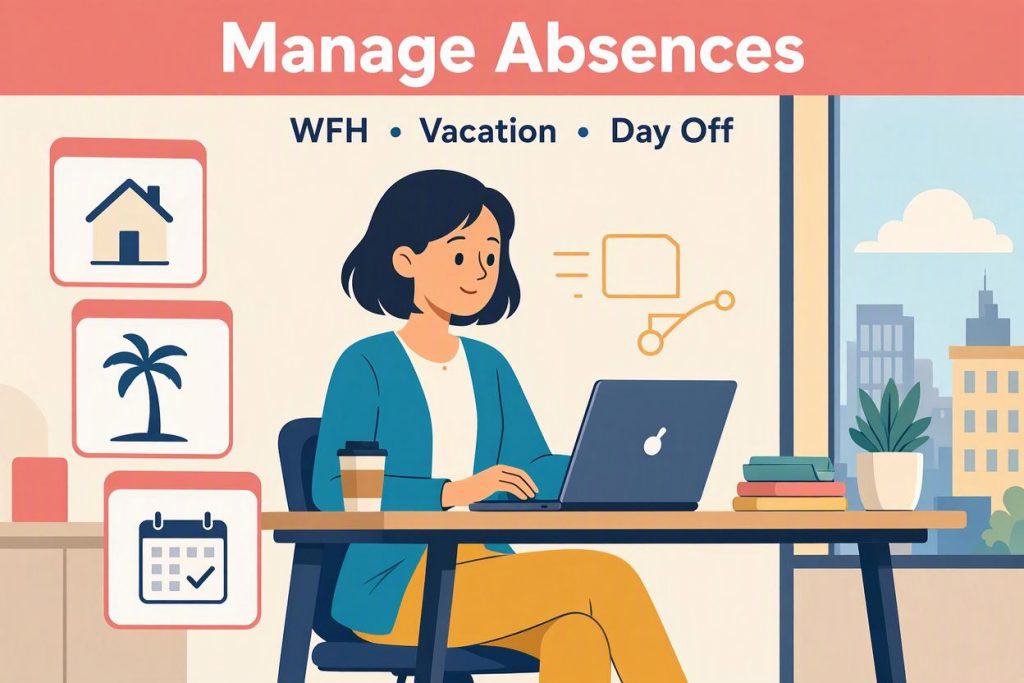
Handle my absences
Learn how to manage your absences in FlexyNook (WFH, Day Off, Business Trip) to free up assigned workspaces and automatically resolve booking conflicts.
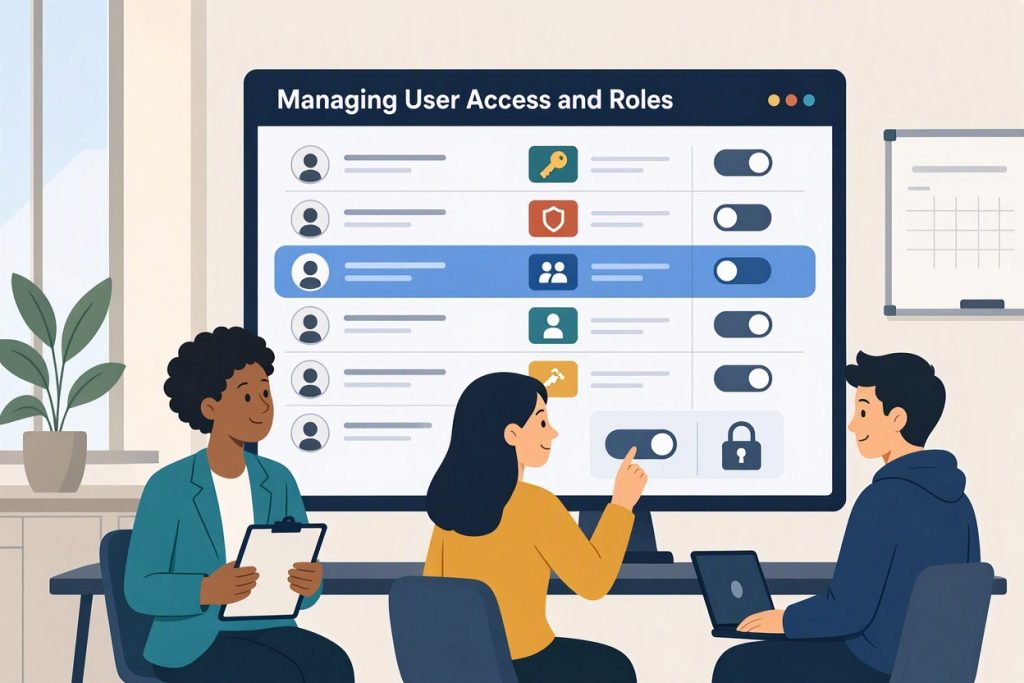
Managing User Access and Roles
Learn how to manage user access, roles, and onboarding in FlexyNook. Discover the 4 methods to add users, permission levels (Member to Super Admin), and best practices for multi-tenant setups and offboarding.
Contact