Using FlexyNook as a Progressive Web App (PWA): Like a Mobile or Desktop Application
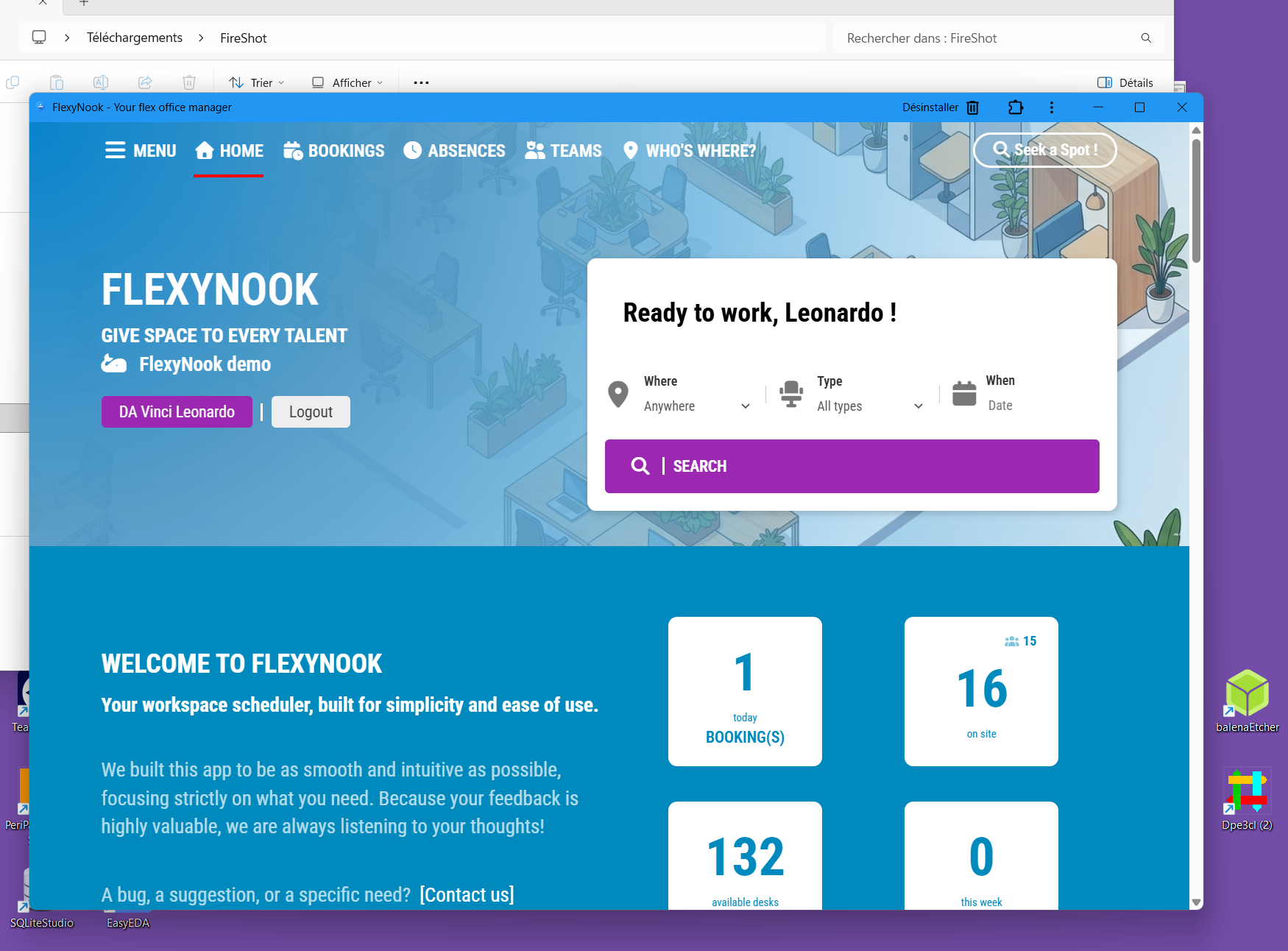
FlexyNook can be installed directly on your mobile device or desktop computer as a Progressive Web App (PWA). This provides a fast, reliable, and native experience — behaving just like a mobile or desktop application — without requiring a download from an app store.
Why Install the FlexyNook PWA?
Seamless Multi-Device Experience: Enjoy an optimized, full-screen interface on both mobile phones and desktop operating systems.
Instant Access: Launch FlexyNook directly from your mobile home screen or desktop taskbar for faster workspace bookings.
Timely System Notifications: Stay updated with automated push notifications sent directly to your device for:
- Booking Reminders: Advance alerts for upcoming workspace reservations.
- Presence Check-in Prompts: Reminders to validate your arrival on-site when check-in is required.
Note: By default, FlexyNook does not force system notifications. You have full control over enabling or disabling them based on your preferences.
Important Requirements & Connectivity
Active Internet Connection Required: Even when installed as a mobile app on your phone, FlexyNook requires an active internet connection to function and process real-time bookings.
Cloud Deployments Only: PWA installation and system push notifications are exclusively available for cloud-hosted deployments of FlexyNook.
How to Install FlexyNook and Enable Notifications
1 – Open FlexyNook in your web browser.
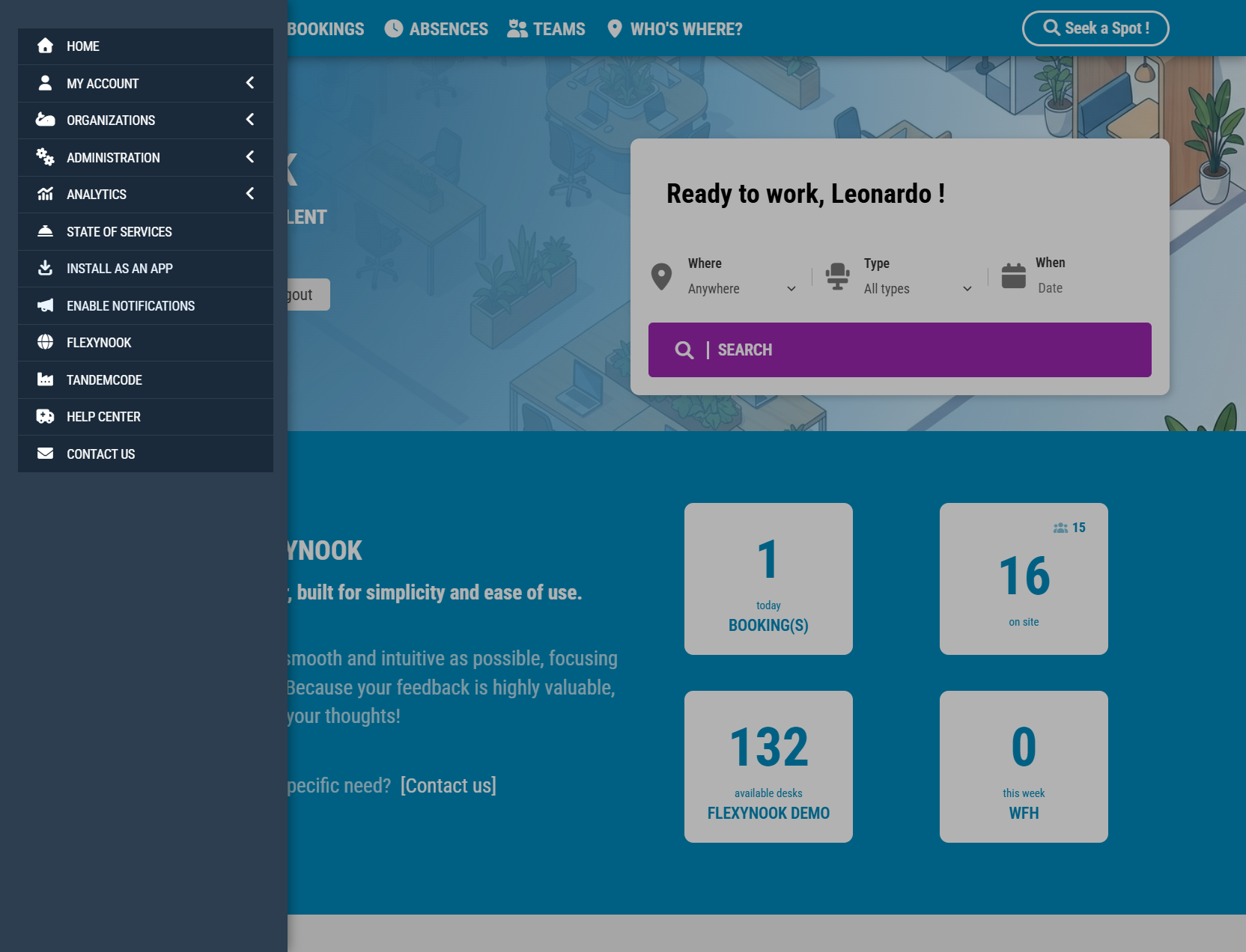
2 – Open the main menu.
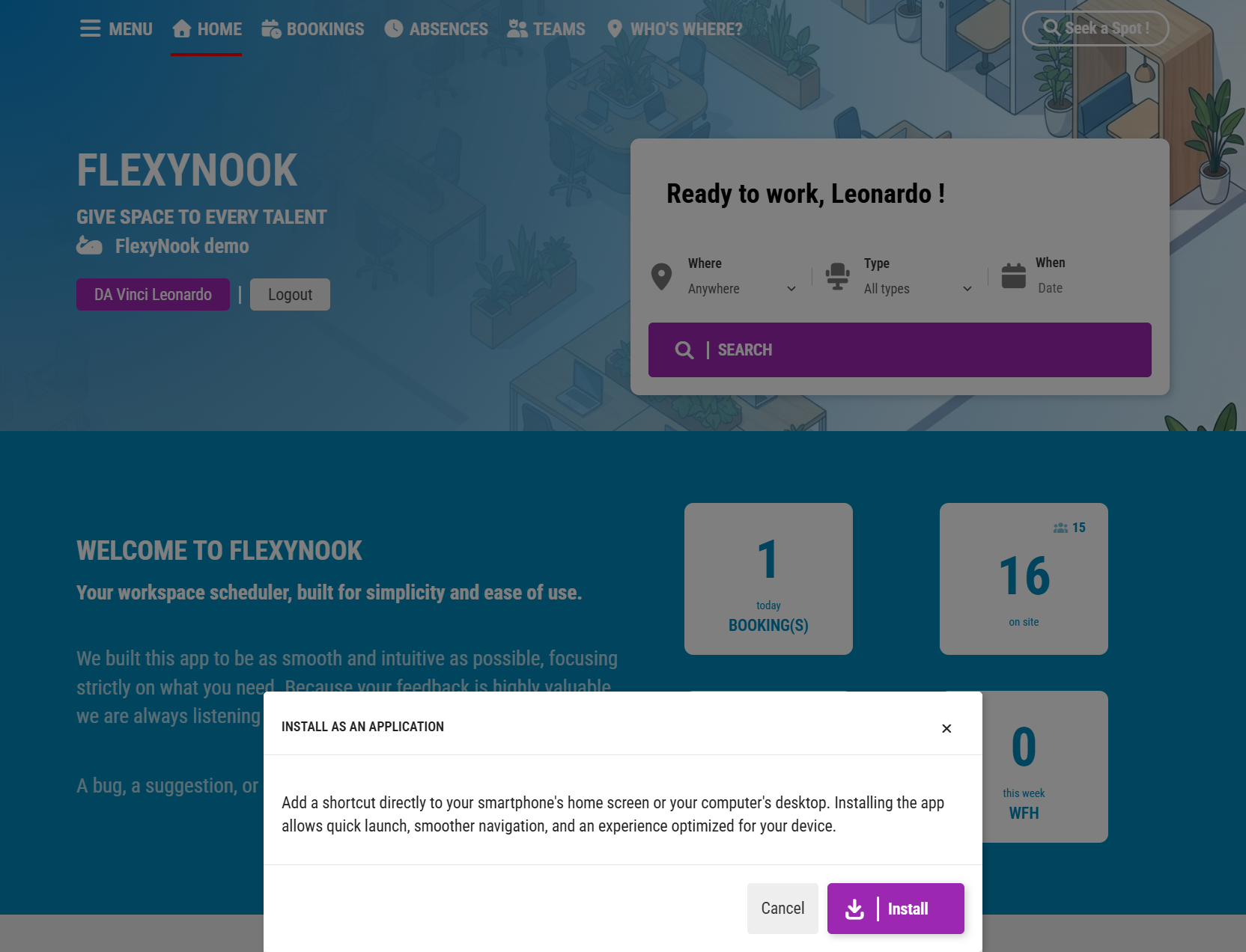
3 – Click Install as an App and confirm to add FlexyNook to your home screen or desktop.
4 – Select Enable Notifications and confirm the browser/system prompt to allow push alerts.
Have a question about this guide or FlexyNook?
Need help configuring your spaces or want to clarify a feature? Our team is here to help you get started.